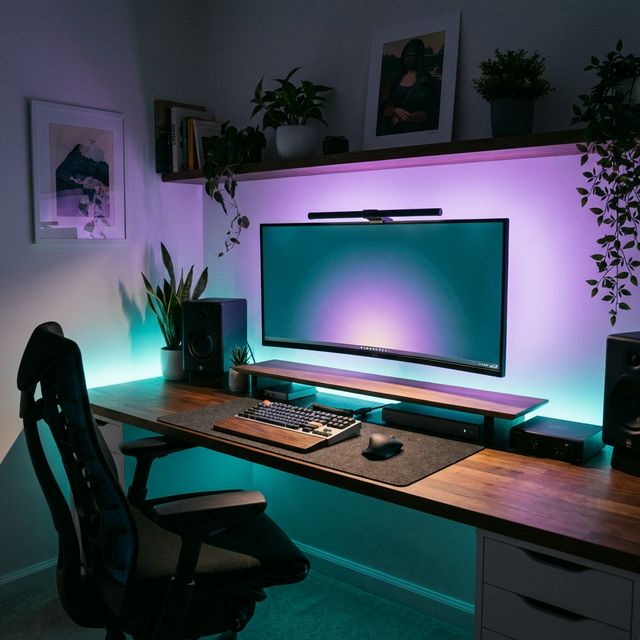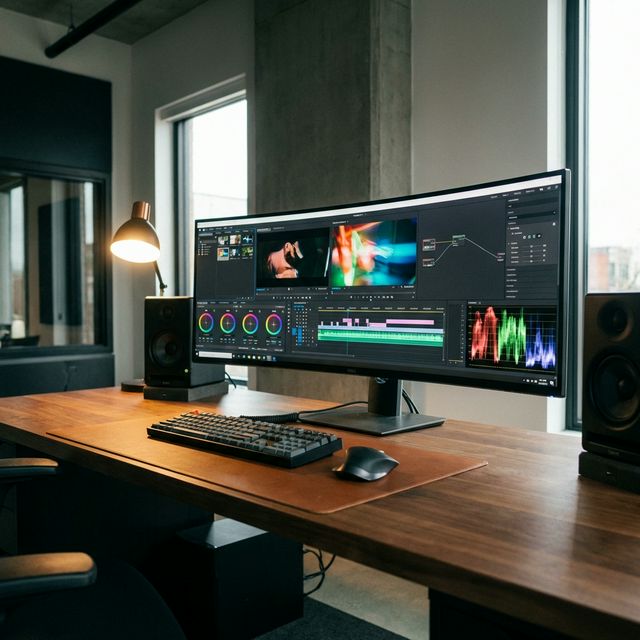
A 49-inch monitor is not just a screen. It is a lifestyle choice. It replaces dual 27-inch monitors with a single, seamless sheet of glass. No bezels. No cables cluttering the desk. Just 5120 x 1440 pixels of pure workspace.
But they aren't all equal. You have gamers (Samsung) vs. productivity pros (Dell/LG). Here is the definitive guide to going super-ultrawide in 2026.
The Big Three Contenders
1. The Gamer: Samsung Odyssey OLED G9
This is the Ferrari. It uses QD-OLED technology.
- The Good: Perfect blacks, infinite contrast, instant response time.
- The Bad: Text clarity isn't perfect (fringing), and burn-in is a risk for static work.
- Verdict: Buy this for gaming first, work second.
2. The Workhorse: Dell UltraSharp U4924DW
This is the Volvo. It uses IPS Black technology.
- The Good: Incredible text clarity, built-in KVM switch, massive port hub.
- The Bad: 60Hz refresh rate (feels slow compared to Samsung).
- Verdict: The best choice for coders, writers, and spreadsheets.
3. The Hybrid: LG 49WQ95C
This is the daily driver.
- The Good: 144Hz refresh rate (smoother than Dell), IPS panel (safe from burn-in).
- The Bad: Contrast isn't as good as OLED.
- Verdict: The safe middle ground.
Comparison Table
Is 32:9 Right For You?
Yes, if: You currently use two monitors and hate the bezel in the middle. Timeline editors (video/audio) and coders love the horizontal space. No, if: You need vertical space. These screens are short. If you read long documents, a single large 4K screen (32" or 43") might be better.
Final Verdict
If you want the 'wow' factor and play games, get the Samsung OLED G9. If you stare at text for 8 hours a day, get the Dell U4924DW. Your eyes will thank you.
What we like
- Immersive workflow
- Replaces dual monitor clutter
- Statement piece for your desk
What could be better
- Expensive
- Requires a massive desk (check your depth!)