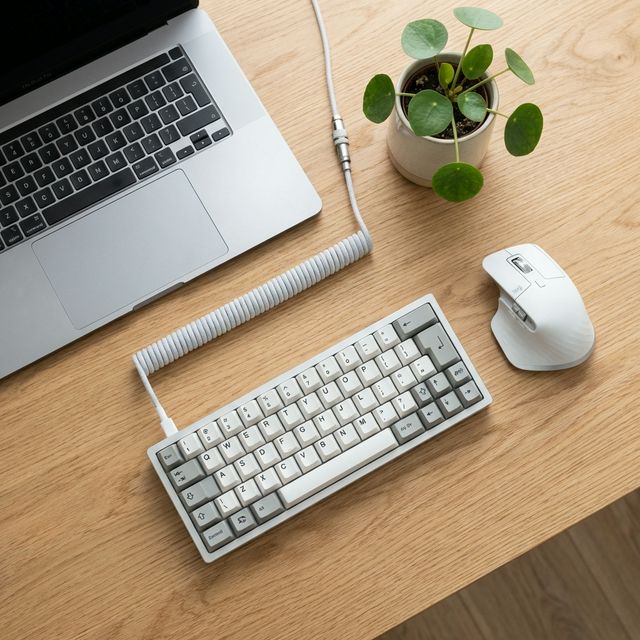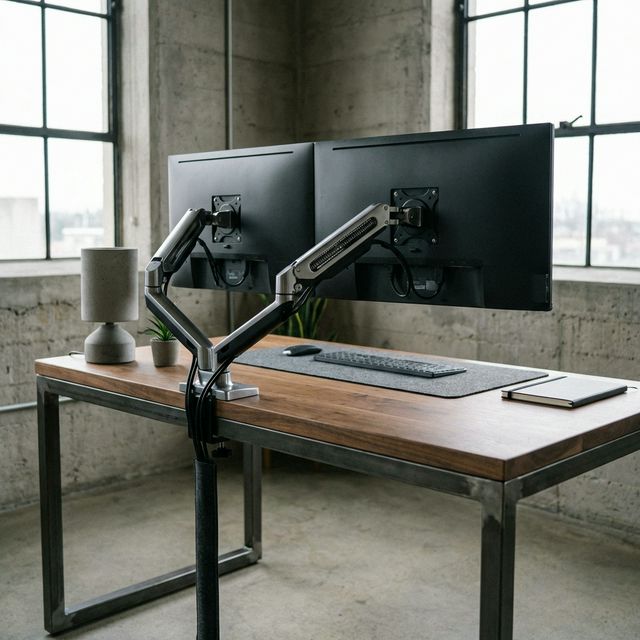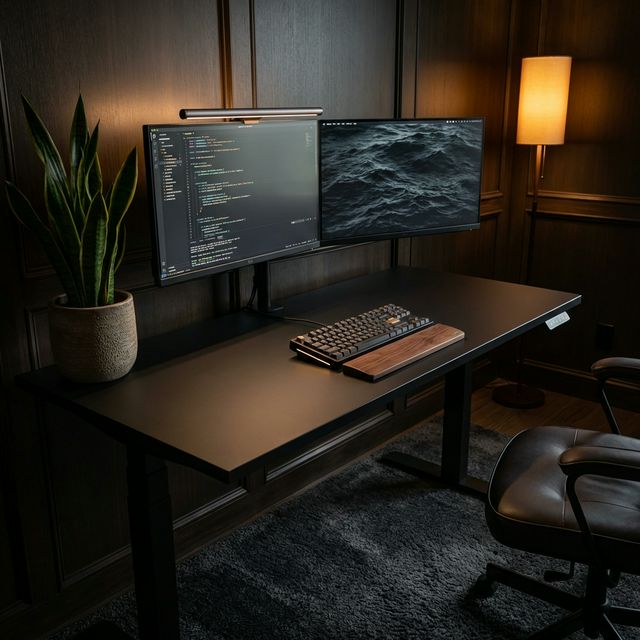
Minimalism isn't about owning nothing. It's about removing everything that distracts you from the work.
A true minimalist setup creates a "flow state" by design—no cables, no blinky lights, just you and the screen. It looks expensive, but it's really just discipline. Here is the gear that disappears.
The 3 Rules of Desk Minimalism
1. Wireless is King
Cables are visual noise. Eliminate them.
- Keyboard: Keychron K3 Max or Logitech MX Keys.
- Mouse: Logitech MX Master 3S.
- Audio: AirPods or Wireless Headphones.
- Charging: MagSafe Stand.
2. The "Floating" Effect
Get everything off the desk surface.
- Monitor: Use a VESA arm. The stock stand takes up huge amounts of space. An arm makes the screen float.
- Laptop: Clamp it under the desk or put it on a vertical stand.
3. One Cable to Rule Them All
If you have a MacBook, use a Thunderbolt Dock (like the CalDigit TS4). One cable goes to your laptop. That cable delivers power, internet, monitor signal, and data. When you leave, you unplug one thing.
The Minimalist Gear List
How to manage cables (The 'Mullet' Method)
Business in the front, Party in the back. From the user's perspective, there should be zero cables visible.
- Under the desk: Use a cable tray (IKEA Signum or similar). Stuff everything in there.
- On the desk: Drill a grommet hole if you have to. Or route keyboard/mouse cables straight back under the monitor arm.
- Legs: Velcro tie cables to the desk leg so they are invisible.
Final Verdict
Start by removing everything from your desk. Put back only the computer, keyboard, and mouse. Use it for an hour. Add back ONLY what you actually reach for. Everything else belongs in a drawer.
What we like
- Zero visual distractions
- Easier to clean (dusting is fast)
- Looks professional on Zoom
What could be better
- Can feel cold/impersonal
- Wireless gear is expensive