Stop scrolling. You spend 40% of your day scrolling up and down through code, logs, or articles. It's a waste of motion.
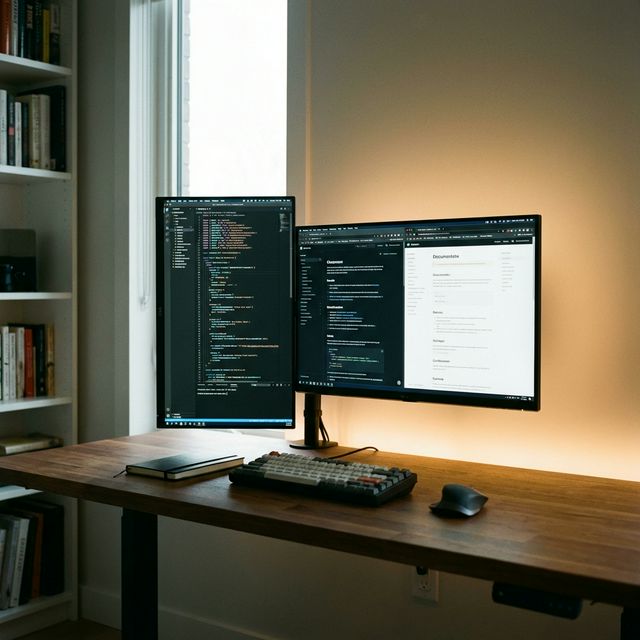
The secret to doubling your reading speed isn't a speed-reading course—it's rotating your monitor 90 degrees. Humans consume information vertically (just look at your phone). Here is why your second monitor should be tall, not wide.
Why Go Vertical?
1. For Coders
You can see 50-80 lines of code at once instead of 30. This means less scrolling and better context. You see the whole function, not just the middle of it.
2. For Writers & Researchers
You can have your source material (a long PDF or article) open on the vertical screen while you write on the main screen. No more Alt-Tab.
3. For Data (Slack/Discord/Spotify)
Communication apps are lists. A vertical screen lets you see the entire conversation history without touching the mouse.
How to Set It Up
You don't need a special "vertical monitor." You just need:
- Any VESA-compatible monitor (24" or 27" works best).
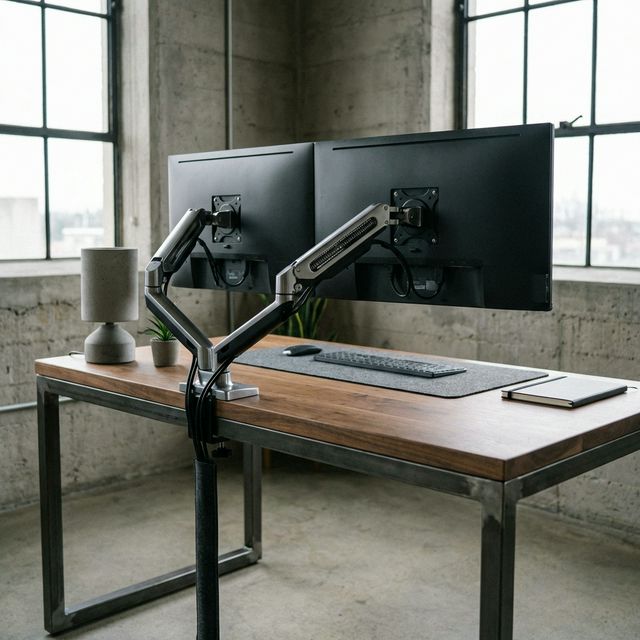
- A Monitor Arm that rotates 90 degrees.
The Best Monitors for Vertical Use
You want an IPS panel (so viewing angles don't get weird) and preferably 1440p or 4K (so text is sharp).
Verdict: Should You Rotate?
Yes. If you have a second monitor, rotate it for one week. If you write code, write text, or read documentation, you will never go back. The only reason to keep it horizontal is if you watch videos on your second screen.
Final Verdict
Rotate your secondary monitor today. It costs $0 and might double your reading speed. Productivity is about seeing more information at a glance.
What we like
- See 2x more code/text
- Less scrolling
- Saves desk space
What could be better
- Videos look small
- Takes 2 days to get used to