Your lower back hurts because your chair is lying to you. Most "ergonomic" setups are just marketing fluff that forces your spine into a C-curve.
Real ergonomics isn't about buying a $1,000 chair; it's about geometry. If your knees aren't at 90 degrees and your screen isn't at eye level, you are slowly injuring yourself. Here is the step-by-step physics of a pain-free spine.
Step 1: The Chair (Foundation)
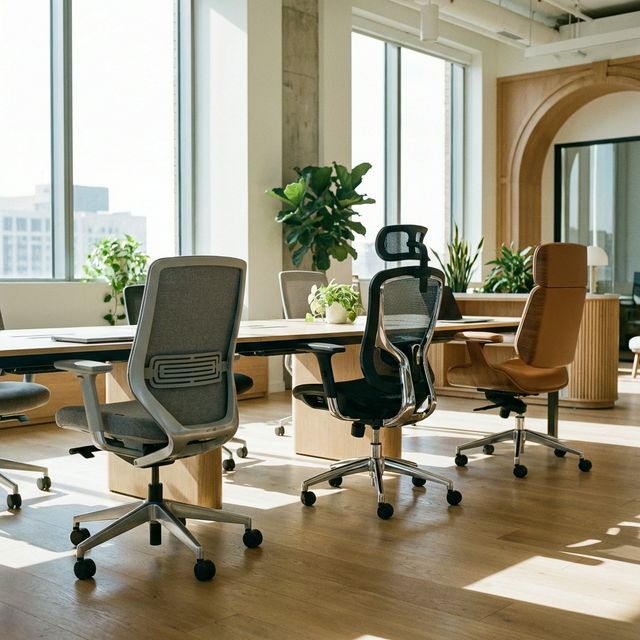
Your chair is the most important piece of equipment you own.
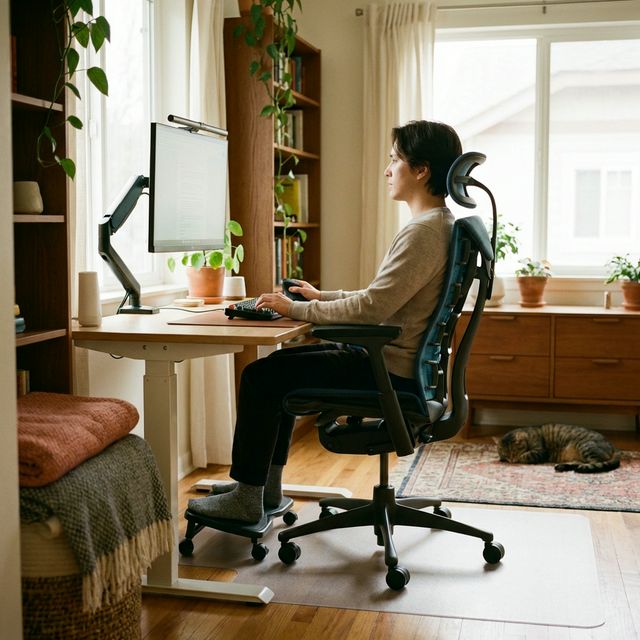
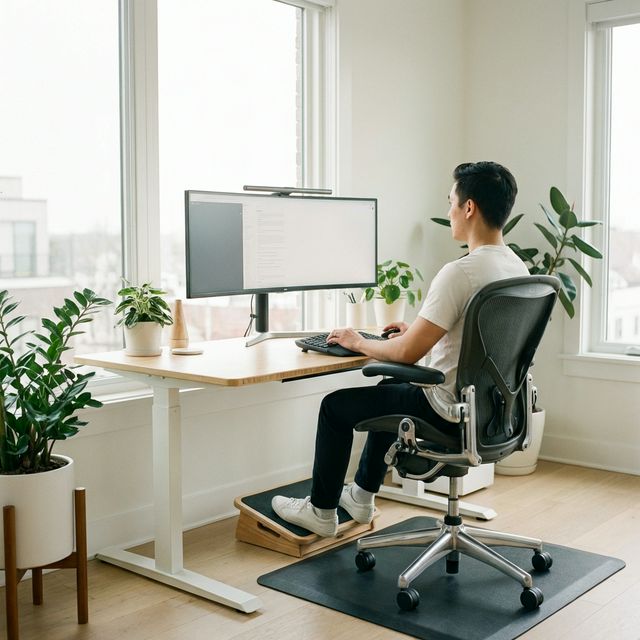
- The Goal: Feet flat on the floor, knees at 90 degrees, lower back fully supported.
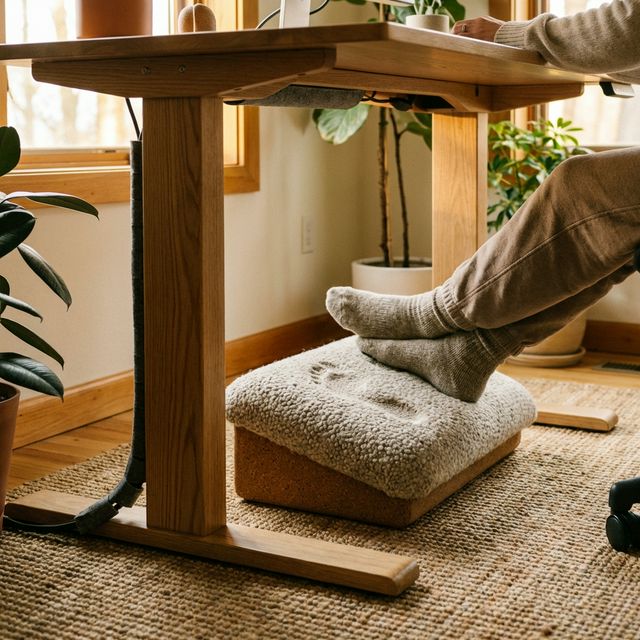
- The Fix: If you are shorter than 5'9", you likely need a Footrest to keep your feet flat while your arms reach the desk.
- The Gear: Sihoo M18 (Budget) or Herman Miller Aeron (Premium).
Step 2: The Monitor (Neck Saver)
This is the #1 cause of neck pain.
- The Goal: The top third of your screen should be at eye level. You should look straight ahead, not down.
- The Problem: Laptops on desks force you to look down, effectively doubling the weight of your head on your neck muscles.
- The Fix: Use a laptop stand or monitor arm.
- The Gear: Besign LS03 Stand ($25).
Step 3: The Keyboard & Mouse (Shoulders)
- The Goal: Elbows at 90 degrees, wrists straight.
- The Fix: If your desk is too high (most are), your shoulders hunch up to reach the keyboard. This causes tension headaches. You need to either raise your chair (and get a footrest) or lower your desk.
Step 4: Movement (The Secret Sauce)
The best posture is "the next one."
- The Rule: The 20-8-2 Rule. For every 30 minutes:
- Sit for 20 minutes.
- Stand for 8 minutes.
- Move/Stretch for 2 minutes.
Top Ergonomic Investments
Final Verdict
10/10Score
Start with your monitor height. It is the cheapest fix ($25 stand or a stack of books) and has the biggest immediate impact on neck pain. Then, save up for a better chair.
What we like
- Pain-free work allows for deep focus
- Prevents long-term chronic injury
What could be better
- Good chairs are expensive